
The quickest way to find WNBA game audio
Start with the official game listing, then check the team's game-day preview for a “Listen” line. WNBA radio coverage is not organized like the league's national TV schedule. Some teams have a flagship station and app feed, some announce audio game by game, and some provide no dedicated radio play-by-play for a particular matchup. There was no current official leaguewide radio directory in the WNBA materials checked on August 12, 2026.
Use this five-minute workflow before tipoff:
- Confirm the exact date, opponent and start time on WNBA games today.
- Open the home and away teams' official sites and look for a game preview, game notes or broadcast-information page.
- Find a line labeled Listen, Radio or Audio. Record both the station name and the authorized app.
- Open that station or app 10 minutes early and verify that its now-playing title names the correct game or pregame show.
- If there is no radio listing, check the WNBA TV schedule and use the audio from a legal video provider instead.
The date-and-opponent check prevents the most common mistake: finding a real station page for an old game and assuming the partnership still applies. Radio assignments can be preempted, limited to home games or moved from terrestrial radio to an app. A search result that says “WNBA on 95.7” is not enough; the current official game page should connect that station to the matchup you want.
It also helps to define what you need. Live radio play-by-play follows every possession and is designed for listeners. Video-broadcast audio is commentary attached to a legal stream and may use more data, but it is the most widely available fallback. A postgame show or recap is useful after the final horn but is not a live substitute. Podcasts and social audio may discuss a matchup without owning rights to call it live.
| What you find | Good for | What to verify |
|---|---|---|
| AM/FM station | Car listening and low data use | Game is actually on that station today |
| Station/team app | Mobile listening | Location rights and app login |
| Legal video stream audio | Reliable national commentary | Subscription and blackout eligibility |
| Postgame show | Analysis and highlights after play | Not presented as live play-by-play |
Do not install an unknown “radio” APK or enter a cable password into an unofficial site. Legitimate team, station and broadcaster apps name their publisher, explain location permissions and connect back to an official page. If the source cannot identify who owns the feed, it is not worth the security risk.
Confirmed team radio and app examples
Team audio is easiest to understand through dated examples. The examples below are not a promise that the same station carries every future game. They show how strong evidence looks and why the current matchup page should outrank an old directory.
Golden State Valkyries: a current 2026 confirmation
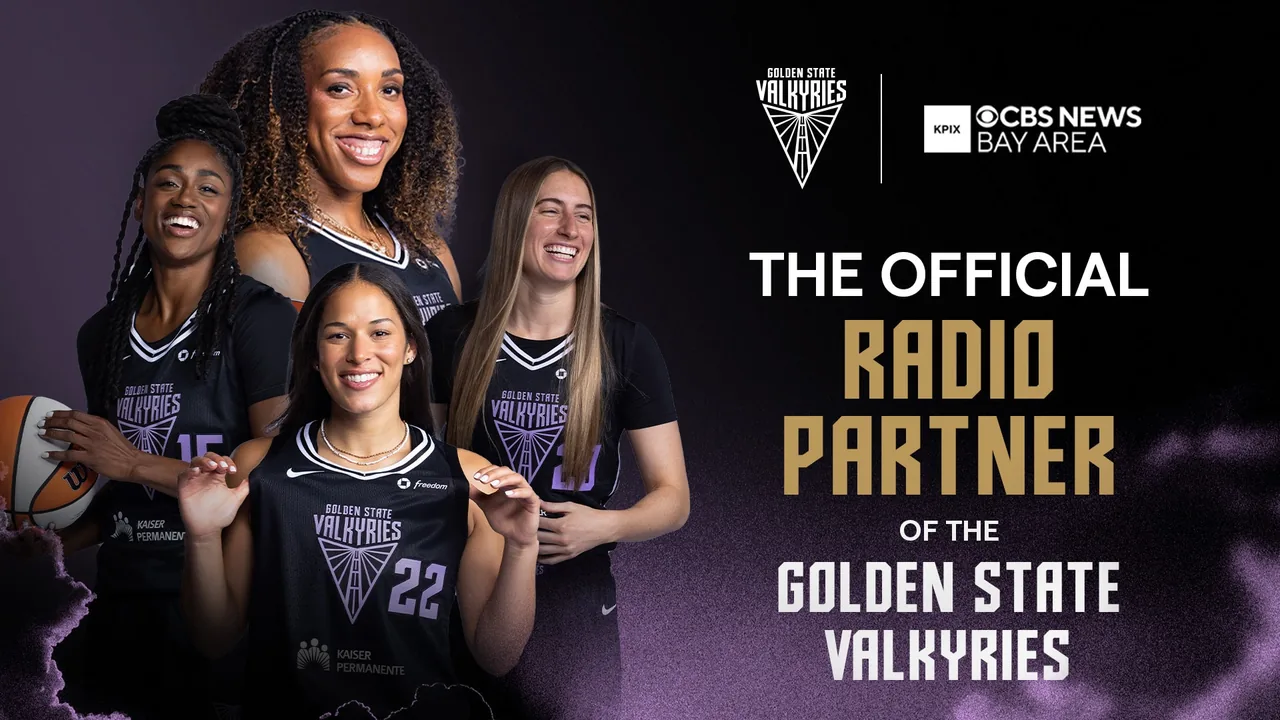
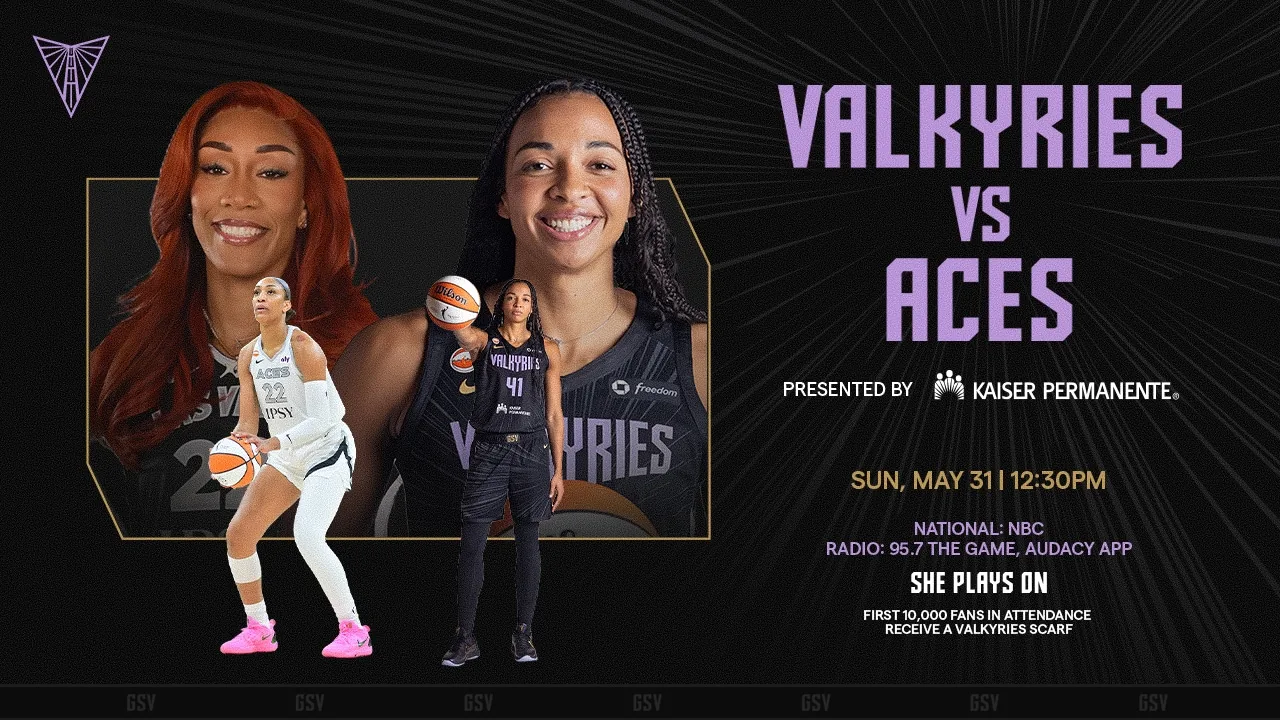
Golden State provides the clearest current model. The Valkyries announced a multi-year partnership with Audacy in 2025: all games would stream on the Audacy App, while home games would also air on 95.7 The Game. More importantly, 2026 game pages continued to confirm the arrangement. The official preview for the May 31 home game against Las Vegas named both 95.7 The Game and the Audacy App under “Listen.”
The July 10 road-game preview at Connecticut listed the Audacy App for live listening and separately promoted a postgame recap on 95.7 The Game and Audacy. That small difference is why readers should inspect the current page. “Flagship station” can describe a partnership without proving that every away broadcast occupies the terrestrial signal at the same time.
Minnesota Lynx: useful history that still needs a current check
Minnesota's 2024 announcement is a good example of why publication dates matter. The Lynx said more than 20 regular-season games would air on KFAN 100.3 FM and all 40 would stream through iHeartRadio and the Lynx App that season. The team also named a radio play-by-play voice and told fans to search “Minnesota Lynx” inside iHeartRadio.
That announcement remains valuable background, but it is not enough to guarantee a 2026 game. The official 2026 Lynx app page describes schedules, scores, tickets and video without restating a full audio package. A careful listener should therefore open the current game notes or app on game day and verify the now-playing feed. This is more accurate than copying the 2024 station into a “2026 radio table.”
Why there is no 15-team station chart here
The league has 15 WNBA teams in 2026, but audio evidence is not equally fresh for all of them. Some official pages list only TV, some partnerships change, and some apps restrict a feed by location. A complete-looking table built from mixed years would be less helpful than two well-supported examples plus a repeatable verification process.
Use the same evidence standard for any club: current game preview first, current team broadcast page second, then a station's official schedule. A social post or search snippet can point you toward the answer, but it should not be the final proof.
How to verify a radio stream before tipoff
A station name is only one part of the answer. You need the correct game, feed and listening territory at the same time. Complete the checks below while there is still time to change apps or sign in.
- Match three identifiers. The team page and station schedule should agree on the date, opponent and tip time. Convert the listed time to your current zone if you are traveling.
- Separate terrestrial radio from the app feed. A partnership may put home games on FM while sending every game to the station app. The frequency and digital stream are related but not always identical.
- Check now-playing information. The station page should name the teams, pregame show or WNBA broadcast. Generic sports talk five minutes after the scheduled pregame start is a warning that you may have the wrong stream.
- Allow location access when appropriate. Sports streams can use location to enforce rights. Denying it may produce a generic feed, an error or silence even though the app itself opens.
- Test audio controls. Confirm volume, Bluetooth output, lock-screen playback and mobile-data permission before driving.
If the official preview names an app but a direct search inside that app finds nothing, search the station call letters or full team name rather than the opponent. Station directories sometimes index the channel, not each game. Conversely, a web search for the matchup may land on a postgame episode. Look for words such as “live,” “pregame,” or the scheduled start, and do not confuse a recap's play button with a live feed.
Save the official team preview and station page as two separate bookmarks. If one fails, the other can explain whether the broadcast was moved. Screenshots are useful for noting the advertised channel, but refresh the live page because weather coverage, another local team or rights conflicts can force a late preemption.
The WNBA calendar is useful for planning listening dates, especially on road trips. Add the game to your device, then place the station/app name in the event notes. Set the reminder for 15 minutes before tip rather than at tip; live sports rarely waits for a listener to troubleshoot a car connection.
Finally, choose a backup that is genuinely different. Two browser tabs pointing to the same Audacy station are one route, not two. A sensible pair is the authorized radio app plus the national or local video provider named for the game. That way a station-side problem does not remove all commentary.
When there is no dedicated radio broadcast
The most reliable fallback is the commentary from the legal video broadcast assigned to the game. That may be a live-TV provider carrying ABC, ESPN, CBS, NBC, ION, USA Network or NBA TV; a direct service such as Prime Video, Peacock or Paramount+; a local team partner; or WNBA League Pass when the game is live-eligible in your location.
This is not the same as an audio-only radio product. The official WNBA League Pass information checked for this guide described live and on-demand video access, but it did not advertise a dedicated WNBA equivalent to NBA League Pass Audio. Search results for the NBA product can look similar, so confirm that a help page says WNBA before using it to make a purchase decision.
Use video audio without making unsupported assumptions
Open the provider named for the matchup, authenticate while on Wi-Fi and start the live event. If you do not need the picture, use only controls the app officially supports. Some services pause when a phone is locked or when the app moves to the background; others may support picture-in-picture or background behavior on selected devices. Test this before leaving home rather than assuming every app works like a podcast player.
For lower data use, choose a reduced video quality if the provider offers that setting, download app updates on Wi-Fi and close other streaming apps. Do not use a third-party tool to strip audio from a protected stream. It can violate service terms, create account risk and still fail when digital rights checks run.
Accessibility and noisy environments
Radio play-by-play is naturally descriptive, while television commentary sometimes assumes the viewer can see the floor. In a noisy car or workplace, route audio through a hands-free system and set volume before moving. Never handle the phone while driving. If you are stationary and need more context, captions on the authorized video can supplement commentary, although live captions may lag or misidentify names.
When neither live radio nor legal live video is available, the honest answer is to wait for the authorized replay, highlight package or postgame show. A delayed official feed is safer and more stable than an unlicensed stream advertised as “free WNBA radio.” The goal is dependable play-by-play, not merely a page that produces sound.
Troubleshooting WNBA audio streams
When a verified feed fails, diagnose the symptom instead of opening random links. Start by refreshing the official game preview: a late station change makes every device fix irrelevant.
| Symptom | First checks | Likely explanation |
|---|---|---|
| Silence | Media volume, mute switch, Bluetooth output | Audio is routed to another device |
| Sports talk instead of game | Now-playing title and station call letters | Wrong feed or terrestrial preemption |
| Location error | App permission, current country/market, VPN off | Rights restriction or missing location |
| Repeated buffering | Switch Wi-Fi/mobile data, lower supported quality | Weak connection or app congestion |
| Picture but no commentary | Player audio track, device output, app restart | Wrong track or temporary player fault |
| Radio is behind TV | Pause the faster source if supported | Normal encoding and distribution delay |
For an app problem, close and reopen the authorized app, confirm you are signed into the correct account, install its current version and restart the device. If the stream works on mobile data but not Wi-Fi, the network may be filtering it; if it works on Wi-Fi but not mobile data, check the app's cellular permission and your data limit. None of these steps should be used to evade a geographic restriction.
When contacting support, include the matchup, scheduled time, station/service name, device model, app version and exact error. “Audio does not work” is hard to reproduce; “Valkyries at Sun, Audacy App, 4:30 p.m. PT, location error on iPhone” gives the provider something actionable.
Is there one WNBA radio app?
No official leaguewide WNBA radio app or audio-only directory was found for this August 2026 check. Some teams use station apps such as Audacy or iHeartRadio, and team apps may carry audio when a current official page says so. The correct app depends on the team and game.
Does WNBA League Pass include radio audio?
The official WNBA League Pass materials reviewed here advertise video and replay access, not a standalone radio package. Do not rely on an NBA League Pass Audio page as proof of a WNBA feature. You can listen to commentary from a League Pass video only when that game is available to your account and location.
Can I listen to WNBA games for free?
Some authorized team radio streams and terrestrial stations are free, but availability varies and location limits may apply. Free does not mean unofficial: confirm the station/app on a current team page. National video commentary usually requires the service carrying the game.
Why is the radio stream blocked when I travel?
Digital station and sports rights can be geographic. The app may use your current location rather than your home address, so a feed that worked at home can be unavailable elsewhere. Use the national or local broadcaster officially assigned in the place where you are watching; do not attempt to bypass the restriction.
Can I listen in the car?
Yes, through a confirmed AM/FM broadcast or an authorized app connected before driving. Set the station, route Bluetooth and start playback while parked. Use steering-wheel or voice controls if available, and never troubleshoot the phone while the vehicle is moving.
The central rule is simple: verify the game first, the rights holder second and the device third. That order solves more problems than collecting a long list of untested “WNBA radio” links.
Sign in with Google to join the discussion.