
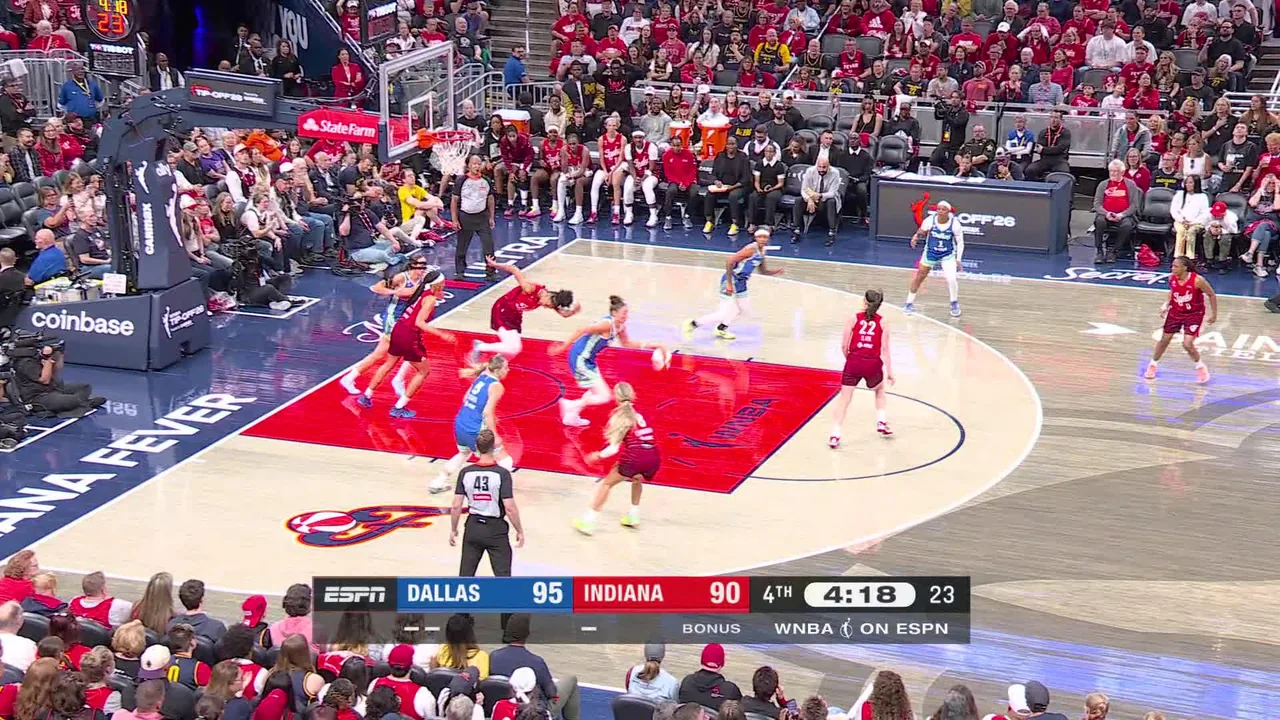
Choose the WNBA video that shows what you missed
Start at WNBA Watch for official highlights, or open the specific game in the league schedule with an eligible League Pass subscription for the full replay. The distinction matters when you missed a game and have a particular play, lineup or quarter in mind. A highlight package gives you the key moments. A full replay lets you see the game unfold, including the ordinary possessions that set those moments up.
The league's replay help page also describes Quick Games. Start there when you want a more condensed view than the full game and prefer to stay on the league's own platform. The help page says highlights and Quick Games are available to all fans and puts full-game replays in the League Pass subscription. Check the individual game's options because the titles and formats listed in the video hub can vary.
The full replay on League Pass is an edited version of the broadcast with commercial breaks removed. If you want to track how a defense changes against the pick-and-roll or see the possessions before a coach calls timeout, choose the full replay. A condensed cut can give you more context than a single-player montage when you're short on time. League Watch also carries interviews, documentaries and feature videos, so read the individual title before opening it. A game title in the description can belong to a postgame interview just as easily as it can to in-game footage.
What “Full Game Highlights” means on YouTube
For a concrete example, the verified WNBA channel posted Seattle Storm vs. Indiana Fever highlights for May 17, 2026 with “Full Game Highlights” in its title. The last word identifies the format. “Full Game” tells you the highlights span the matchup, while the recording is a selection of plays. The Indiana Fever used similar wording for the club's Dallas–Indiana season opener. Compare the runtime and publisher on the individual video before assuming a playlist name identifies the content.
Read the event date in the title or description and check both teams. A search for only the player might surface their best plays from several games, and a search for only the team could bring up a newer meeting with the same opponent. If you are avoiding the score, even a correctly labeled clip can reveal it in the thumbnail or description. The May 17 upload, for example, gives the result in its description. Decide how much information you want before opening search results or video pages.
Find highlights by game date and matchup
Use the date on the league schedule and both team names as your search terms. If you know only that the matchup was yesterday, the WNBA scores from yesterday page is a quick way to identify it. That page includes results. If you're avoiding the score, start with the date and opponent you already know and look for a video title that avoids numerical scores. An upload can appear the next morning or carry a different calendar date in another time zone, so the date of the game is a better reference than when the video was posted.
For example, the league published separate highlights for Dallas at Indiana on August 14, 2026 and Indiana at Dallas on August 20. The teams were the same six days apart. The August 20 game page listed a 2:16 recap, a 10:58 highlights package and a separate clip devoted to the ending. If you have ten minutes and want to see more than the finish, the label and duration help you choose the longer edit. If you're looking for one late possession, the ending clip gets you there faster.
Pick a game before opening a general video collection. League Watch is useful if you're browsing featured games or the latest postseason videos. For a specific matchup, the official game page can group its recap, player clips and highlights in one place. A team account is another useful route when you want more of that team's coverage. The team account may organize videos around its own players, while the league page gives you more ways to choose among clips covering the same event.
Search the official channel and broadcaster collections
Use the WNBA's official YouTube channel as a starting point, then look for the team names and game date on the actual upload. If you find a playlist, inspect the individual entries. A Finals playlist can contain interviews, short documentaries and highlights alongside one another. The FOX Sports WNBA video page is another example of a collection where news clips and game footage share a feed. Click through to the publisher and check the format before setting aside time to watch.
Use the WNBA TV schedule if you want to search the network that originally showed the matchup. It identifies a route for further searching. For a game that is still ahead of you, the guide to official free viewing options covers a different decision about live coverage.
Open full-game replays with the account that carries them
If you bought League Pass directly through the league, open the WNBA schedule and sign in with the WNBA ID tied to the purchase. Select the date in the calendar, choose the game and look at the available viewing options. On the WNBA app, league support directs viewers to sign in, open Games, choose the game from the calendar, then use Watch Now below the video player to pick an available stream.
Where the game page offers multiple cuts, look for the full replay rather than starting with the first highlighted video. Opening a matchup through the schedule keeps the teams, date and video offerings together. If you are browsing or catching up on games you bookmarked mentally, the league's help page also points to Run it Back under Watch. The calendar is the better route when you know the game. The Watch section is useful if you want to see which past games the league is featuring.
When U.S. national and local replays appear
The WNBA's U.S. blackout guidance puts the League Pass replay window for nationally blacked-out games at 6 a.m. ET the next day. The league says locally blacked-out games are available shortly after the conclusion. Its replay help page says editing and uploading can take several hours across platforms. A local game ending at 10 p.m. may take longer to appear than the short clips people share during the game.
For a nationally blacked-out Saturday game, the published U.S. League Pass reference point is 6 a.m. Sunday Eastern, or 3 a.m. Pacific. The same timing should not be assumed for a replay in another country or for a network's own service. If you want to know why the live game and replay have different windows, see the League Pass blackout guide. Try the game's calendar entry again after the appropriate window if you checked too early.
If you pay through Prime Video or another TV service
If you bought WNBA League Pass through Amazon, use the Amazon account that carries the subscription and look for the game's replay in Prime Video. The WNBA's Amazon subscription help says Amazon-purchased access is limited to Prime Video's apps and website. Prime also has its own WNBA game listings, so check the viewing option on the specific replay card. The WNBA on Prime Video guide explains the two purchase routes.
When a network or TV service carried the live game, check whether your service offers an on-demand replay for that event or has a recording in your library. For example, YouTube TV explains how to record available sporting events by adding them to the Library. If you already added the game, begin with that recording. Adding future games can help when you regularly miss tipoff. It does not establish access to a game that was never recorded, and sports availability can vary by service and lineup.
Troubleshoot a missing replay step by step
When a replay is missing, first confirm the calendar entry. Search the same team pair and exact date in the provider that carries your subscription. A page for the right teams on the wrong night can show a video and look convincing before tipoff or the uniforms give it away. If there's no full version on the correct game page, check the league's published window for that broadcast and whether the upload is still being prepared. Use the game page to try again after the relevant time.
Next, check which company billed you. For a league account, the WNBA subscription status guide shows where to check whether your plan is active. For an Amazon purchase, confirm the subscription in the Amazon account that placed the order. Finding a recap that plays without a subscription only proves you can see that recap. It gives you less information about whether the full version is on the service and whether your account can open it.
Then check the exact wording shown beside the title. A prompt to subscribe calls for an account and billing check. A notice about location calls for reviewing the service's current availability guidance and the restrictions on that game. A replay that opens and then stalls raises a different issue from a replay that never appears in the calendar. Try another eligible game in the same account. If only one game has the problem, note its title and date so you can describe the problem accurately.
If the replay is still missing after the expected window, use the support channel for the service you paid. The league's support checklist asks for details such as the device, browser, location and error message. Add the game date, teams and the time you tried to open it. While you wait, a Quick Game or highlights may give you enough to catch up. Save that option for after the replay if you prefer to learn the result by watching play.
Find classic WNBA games and postseason archives
Search for the original teams, season and round together. A franchise may have changed its name or location since the game was played. Typing the club name as it appeared on the court can get you closer to the original broadcast. For a championship series, add the game number when you know it. If you only remember a shot or a shooter's name, start with the league's historical highlight of that moment, then use its event details to search for the rest of the game.
There is a difference between the date a game happened and the date a service published the archive. For example, the league posted the 1997 Houston Comets–New York Liberty championship video on October 16, 2026. Its description identifies August 30, 1997 as the original game date and explains that it was a one-game final. WNBA Watch listed the video at 1:15:05 when checked on November 27, 2026. The upload date makes it a recent release of a historical game. Check what the player shows for your account because a public listing and the ability to watch the full recording can have different requirements.
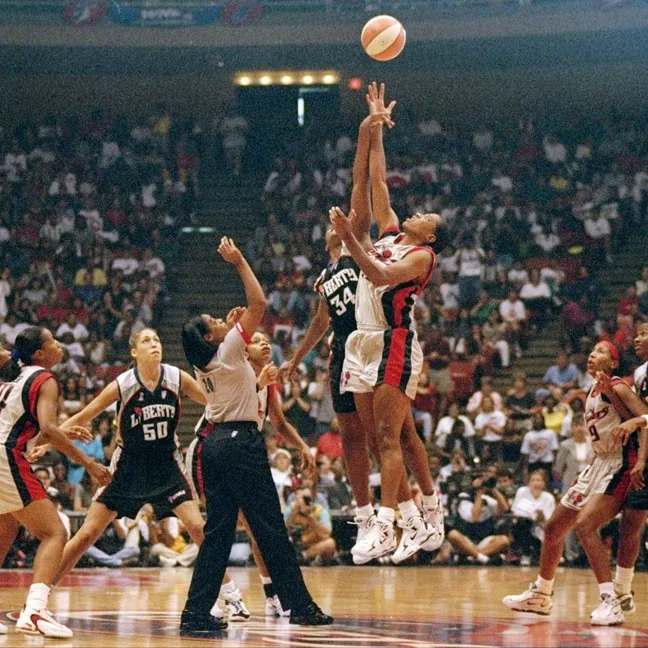
The same teams met in the 1999 championship. The league's 1999 playoff archive helps you identify the specific game, while the official video of Teresa Weatherspoon's shot in Game 2 gives you the famous moment. A clip and a results page can be useful even when you are still searching for a full recording. Start in League Pass for the longer archive, and check the actual title and runtime before committing to a viewing plan.
For a more recent postseason, the league's playoff bracket is a starting point for game numbers and dates. Once you have the date, search the matchup in the service that carries your replay. You can use the October 31, 2026 schedule entry to confirm the 2026 Finals matchup if you are comfortable seeing the result. Keep short episodes and highlight compilations on your list for quick catch-up, and use the schedule entry or an explicitly labeled full replay when you want every stretch of play. One game can have several legitimate videos, each built for a different kind of viewing.
The league's Watch page makes that last decision easy to see. On the November 27 check, it listed a 10:40 highlights package for that Finals game and a separate 13:16 Reign Supreme episode. The episode is a different kind of coverage, even though its listing is longer. The same page also listed a short recap with the score in its title. Watch displays a Hide Scores control, but descriptions and thumbnails can still contain clues. If the result matters to your viewing experience, use the known game date and pick the full replay from the game listing before browsing those recap and feature collections.
Sign in with Google to join the discussion.