
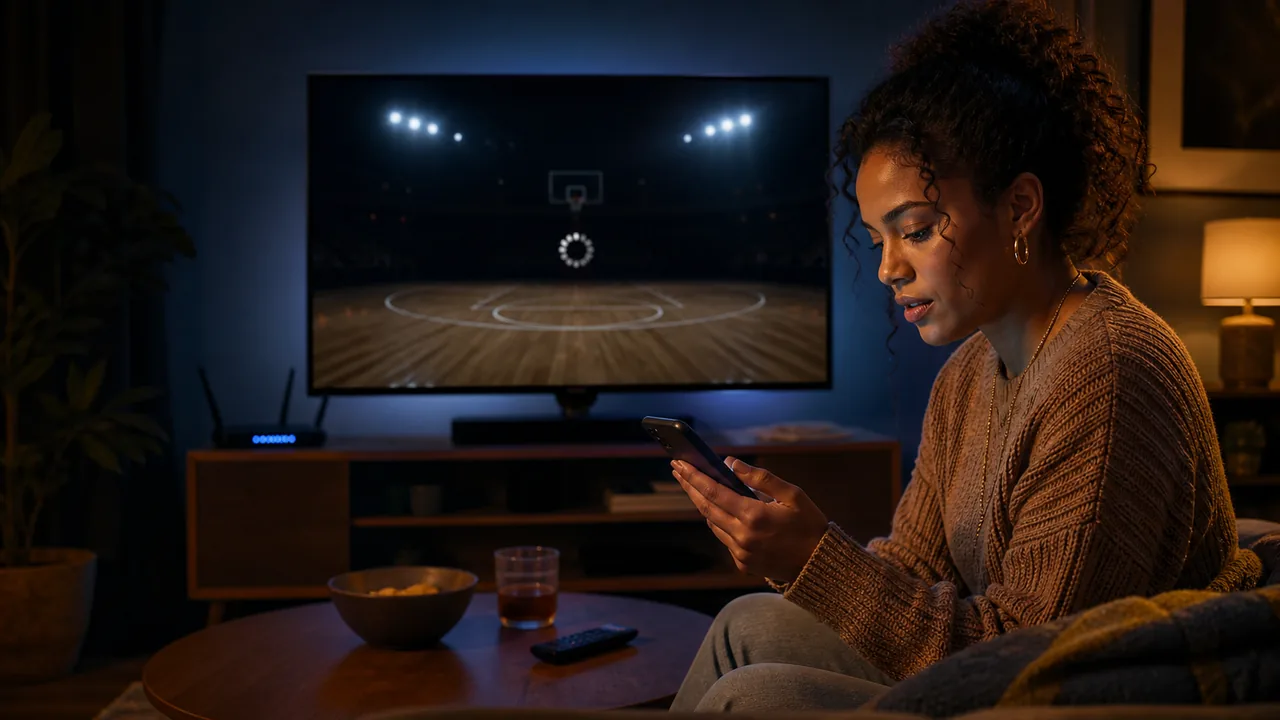
Last checked August 12, 2026. When WNBA League Pass is not working, first decide whether the missing video is an expected blackout, a subscription-linking problem or a playback failure. Those causes require different fixes. The safest order is to verify the game’s rights and account, preserve proof of purchase, test one change at a time and contact support only after recording the exact symptom.
Start here: is it a blackout or a technical problem?
A blackout is an intentional rights restriction; a technical problem is a failure to deliver content you should be allowed to watch. Before clearing data or reinstalling anything, open today’s WNBA schedule and read every service in the Watch field.
| Symptom | Most likely category | First check |
|---|---|---|
| Message names a national or local broadcaster | Blackout or rights routing | Use the listed provider and replay timing |
| Only one matchup fails | Often rights or a game-specific feed | Compare it with the TV schedule |
| Every subscriber video says Subscribe | Wrong account or unlinked purchase | Verify WNBA ID and seller |
| App crashes before any video opens | App/device problem | Restart, update and check support minimums |
| Checkout fails | Payment or account issue | Check billing country and payment method |
In the United States, games assigned to ABC, ESPN/ESPN2, Disney+, CBS/Paramount+, NBC/Peacock, USA Network or Prime Video are not normally live in League Pass. Local-team telecasts can also be blocked. ION is a stated live exception, subject to territory. Use the League Pass game view, but remember the official service makes the final location decision.
If the issue is a U.S. national blackout, the replay is scheduled for 6 a.m. ET the next day. A local U.S. restriction generally clears shortly after the broadcast ends, allowing processing time. Waiting for the correct window is a fix for rights timing; reinstalling is not.
Test another included replay. If old subscriber content plays but the live game does not, the account is probably active and rights are the leading explanation. If nothing behind the subscription opens, continue to account-sync checks.
Your subscription is paid but League Pass says subscribe
A “Subscribe” prompt after payment usually means the app cannot see the entitlement attached to the current account. Do not buy again. Find the receipt first and identify whether the seller was WNBA.com, Apple, Google Play, Roku, Amazon Prime Video Channels or another supported platform.
Direct WNBA.com purchase
Sign out of the WNBA App, then sign in with the exact WNBA ID used at checkout. Similar email addresses, Apple relay addresses and a second social sign-in can create the appearance of one account while producing a different identity. On WNBA.com, open account subscriptions and confirm that the plan is active.
Apple, Google Play and Roku
For Apple, sign into the WNBA App with the intended WNBA ID, open preferences and choose Restore Purchases. Apple should confirm the link. Google Play and Roku purchases should link during checkout; if access is absent, select subscriber content and choose “Already Purchased,” then sign into the account associated with the purchase.
If linking still fails, the official guidance is to delete and reinstall the app, sign back into the matching WNBA ID and test again. Before deleting, save the receipt and account email. Reinstallation should be a later account-sync step, not the first response to a blackout.
Amazon Prime Video Channels
An Amazon-purchased WNBA League Pass subscription stays inside Amazon. The official help page says it cannot be used to authenticate on WNBA.com or in the WNBA App. Open Prime Video with the Amazon account that bought the Channel. If you want the WNBA App ecosystem, avoid paying twice and contact the appropriate seller about the existing plan.
After access returns, choose a non-live archive video and a currently eligible matchup as separate tests. Save an upcoming game through the WNBA calendar so the repair is confirmed before an important tipoff.
The WNBA App freezes, crashes or will not play video
Use the least disruptive fix first. Changing five settings at once makes it impossible to know what worked and can erase useful evidence.
- Force-close the WNBA App. Remove it from the recent-app switcher rather than merely returning to the home screen, then reopen it.
- Restart the device. A full restart clears hung video and authentication processes that an app close may leave behind.
- Update the app. Install the latest WNBA App from the device’s official store.
- Update the operating system. Confirm the device remains above the supported minimum.
- Test one archived video. This separates general playback failure from a single live feed.
- Reinstall last. Preserve the account email and receipt, delete the app, reinstall it and sign into the correct WNBA ID.
Current minimums include iOS or iPadOS 17, Android 9, Roku OS 12 on fifth-generation-or-newer hardware, tvOS 17, Fire OS 7 and Android TV 7. Chromecast must be third generation or newer. Meeting a minimum does not guarantee an old device performs identically to current hardware, but falling below it is a clear reason to update or switch devices.
If the app crashes only when a live event begins, note the matchup, stream choice and exact time. Test the same account on the web or another supported device. Success elsewhere points toward the original device or app installation; failure everywhere points toward account, rights or service-side causes.
Avoid unofficial app packages, modified clients and repeated password changes. Install only from the device’s official store and change credentials only when there is evidence of an authentication or security issue.
League Pass does not work in your browser or on your TV
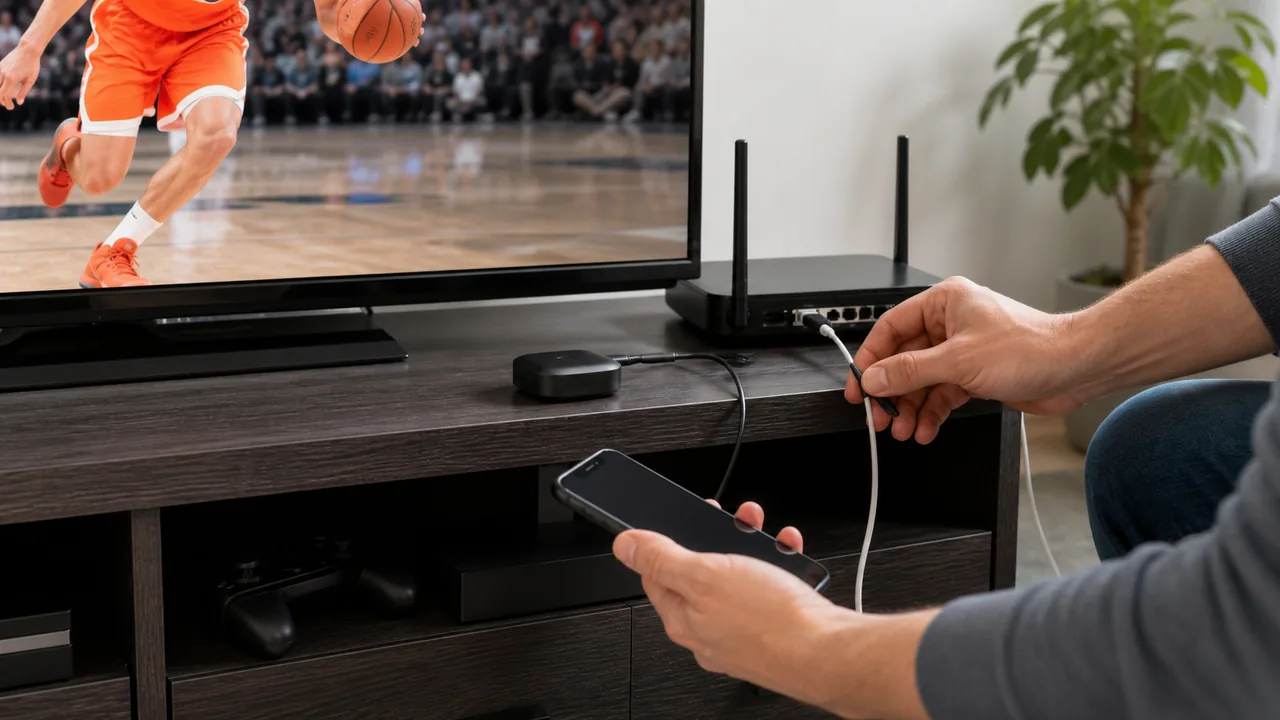
Browser troubleshooting
Sign out, close the affected page and open a private browsing window. If League Pass works there, cached site data or an extension is a likely local factor. The WNBA’s official process is to clear cache and cookies, close all browser tabs and windows, then launch a new session. Trying an alternate current browser helps identify a browser-specific issue.
Disable content-blocking extensions temporarily for the test, allow required cookies, and confirm the system date and time. Re-enable privacy tools one at a time afterward. Do not permanently weaken browser security just to make a stream play.
Television and connected-device troubleshooting
Confirm that the exact device is supported: current options include qualifying Roku, Apple TV, Fire TV and Android TV hardware. A generic Samsung, LG or other smart television label does not establish that a native WNBA App exists. A supported external streamer may be necessary.
Update the device, restart it, update the WNBA App and sign in again. On Fire TV or Android, clearing app data can resolve corrupted state, but it signs the user out and should follow the less disruptive restart. If casting, confirm that the sending device and receiver are discoverable on the intended network and that the Chromecast meets the generation requirement.
Use the WNBA TV schedule to select a matchup that should be eligible, then test the same video in the browser and on television. A controlled comparison is more useful than switching among unrelated games with different rights.
The stream buffers, looks blurry or loses audio
Playback quality can fail even when account and rights are correct. Because the official WNBA help reviewed here does not publish a universal Mbps threshold, do not treat one speed-test number as proof. Stability, congestion, packet loss, wireless signal and the device decoder can matter as much as peak download speed.
- Pause other large downloads and 4K streams on the same network.
- Move a wireless device closer to the router or test a wired connection where supported.
- Restart the app, device and home-network equipment in a controlled sequence.
- Test another on-demand game. If every video fails similarly, the live feed is less likely to be the only cause.
- Test the account on a different supported device using the same network, then on a different lawful network.
- Return video quality to automatic if a forced high-resolution setting repeatedly stalls.
For missing audio, confirm that the correct audio output is selected, disconnect unused Bluetooth devices and test another app. On a television, verify that the streamer and television agree on audio output. If commentary is missing but arena sound remains, switch to another available game feed; report the exact feed name rather than describing only “no audio.”
For blurry video, allow the adaptive stream time to recover after seeking or joining. If quality remains poor on multiple devices while other services are normal, capture the time and matchup. A short recording or screenshot can help support, but do not publicly post copyrighted game footage or account information.
When the problem occurs only during one event, report that game. When it affects every video, include router connection type, device model, OS, app version and whether web playback succeeds. That evidence lets support separate content delivery from an individual device.
Payment, promo code and renewal errors
If checkout fails, confirm that the billing details are correct and that the billing country matches the location from which the purchase is being made. The WNBA says prepaid cards and digital cards are not supported. Do not submit the same failing charge rapidly because duplicate pending authorizations can make the situation harder to read.
- Wait at least ten minutes before retrying.
- Re-enter billing information carefully and try an accepted different payment method.
- On WNBA.com, try another current browser or the official WNBA App.
- Ask the financial institution whether it blocked the transaction.
- If the seller is Apple, Google, Roku or Amazon, manage payment with that seller rather than changing only the WNBA profile.
Promo code errors
WNBA League Pass promo codes can be redeemed on WNBA.com, not through in-app checkout. Remove spaces before and after the code, sign out and back in, and select the subscription type and term for which the offer was issued. A promotion added to an active eligible subscription may take effect on the next billing period rather than refunding the current one.
Never send a full payment-card number, verification code or account password in a support message. Provide the transaction date, seller, last four digits only if the official secure form asks, error wording and any order number. Redact financial details in screenshots.
For a renewal interruption, check subscription status and update payment on the platform that sold the plan. Restoring an app purchase cannot repair an expired card at a third-party seller; the billing source must be fixed first.
When and how to contact WNBA Support
Contact official WNBA Support when an eligible video still fails after account, blackout, device and basic playback checks. A short reproducible report is more useful than a long message saying only that the app is broken.
- WNBA ID email address, but never the password
- Seller and order or subscription status
- Exact matchup, date, scheduled time and the game URL from the current schedule
- Country and ZIP code when relevant to a blackout, without sharing a full street address publicly
- Device model, operating system, app or browser version
- Exact error text and the time it appeared
- Steps already tried and whether another device worked
- A redacted screenshot if it adds information
If Amazon sold the subscription, Amazon controls that Channel’s billing and availability inside Prime. Apple, Google and Roku also control their own charges. WNBA Support can explain product access, but a refund or payment reversal may need to be handled by the original seller.
Do not repeatedly open duplicate tickets for the same problem. Keep the confirmation number and reply to the existing case with new evidence. If many viewers report the same symptom, continue using official help or league channels for updates, but avoid treating an unverified social-media post as a confirmed outage.
After a fix, test an archive video and one eligible live or recent game. Record which step resolved the issue so a future app update or device change can be diagnosed faster.
WNBA League Pass troubleshooting FAQ
Why does League Pass say I need to subscribe when I already paid?
The app may be signed into a different WNBA ID or the store purchase may not be linked. Verify the seller and account, then use Apple Restore Purchases or the documented “Already Purchased” flow where applicable.
Why can’t I use my Amazon subscription in the WNBA App?
Amazon Prime Video Channel subscriptions are confined to Amazon under current official rules. They cannot authenticate on WNBA.com or in the WNBA App.
Why does only one game fail?
Check its national and local broadcaster first. A single failure is often a blackout or game-feed issue, while an account or device fault more often affects multiple subscriber videos.
Why will an ION game not play?
The 2026 policy says ION games can be live on League Pass, subject to local and territorial conditions. Confirm the game on the ION schedule, location and account, then report the exact error if it should be eligible.
Should I reinstall the app first?
No. Force-close and restart first, then update the app and OS. Reinstall after saving account and receipt information if simpler steps fail.
What information should I send support?
Send the matchup, time, location, seller, device, OS, app version, exact error and steps tried. Never send passwords or full card details.
These steps reflect WNBA help content checked August 12, 2026. Interface labels and minimum device versions can change, so verify official instructions after major app releases.
Sign in with Google to join the discussion.